
All Pages





























[ Template ]
Instructions are detailed steps that explain how to use a website components, helping users achieve a specific outcome.
On Mac devices, certain fonts look thicker. To ensure consistent typography across all devices, we’ve added custom font-smoothing code:
(-webkit-font-smoothing: antialiased; and -moz-osx-font-smoothing: grayscale;).
This helps the text render sharper on the published site and keeps the appearance uniform everywhere.
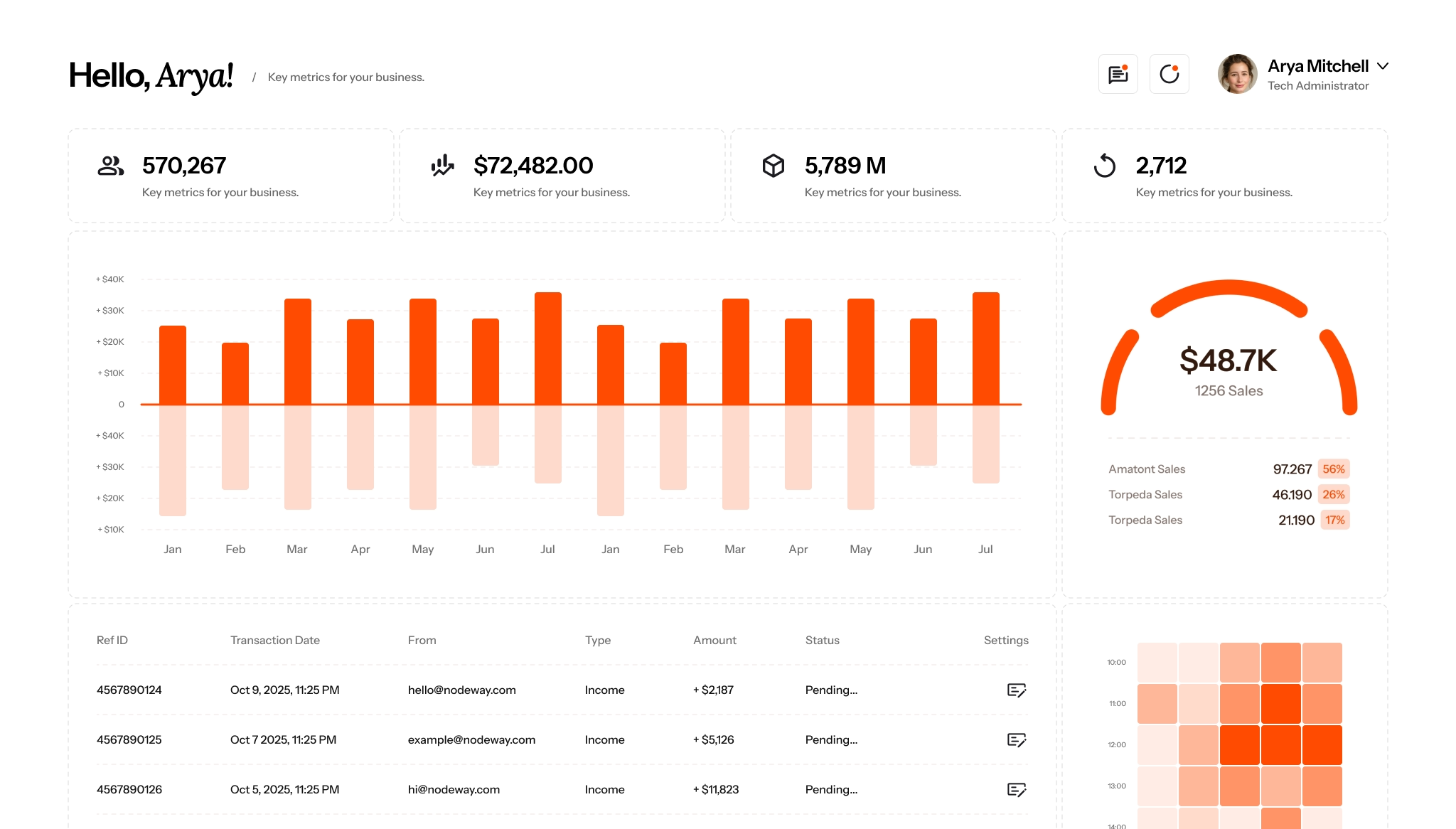
Power your next FinTech with our Rad Theme.
Coinect.io
ul. Investments 23
30-003 Cracow